
Enterprise engineering teams have a way of working. Configuration lives in version control, changes get reviewed and tested before they ship, and every system exposes an API so it can be operated by the tools the team already trusts. Then the AI agent arrives, and all of that stops at the dashboard login.
On a dashboard-only platform, every change to your agent is a click path. The person who knows the workflow best writes a ticket for the person who has the login, the change happens in a UI, and it goes straight to live traffic. That's workable at launch. It gets expensive in month six, when the agent is live in production and improving it is the whole job — because the riskier untested changes feel, the fewer changes anyone makes.
Ada is built the other way: the configuration that determines how your AI agent behaves is exposed, so your team can operate it programmatically.
What Ada exposes today
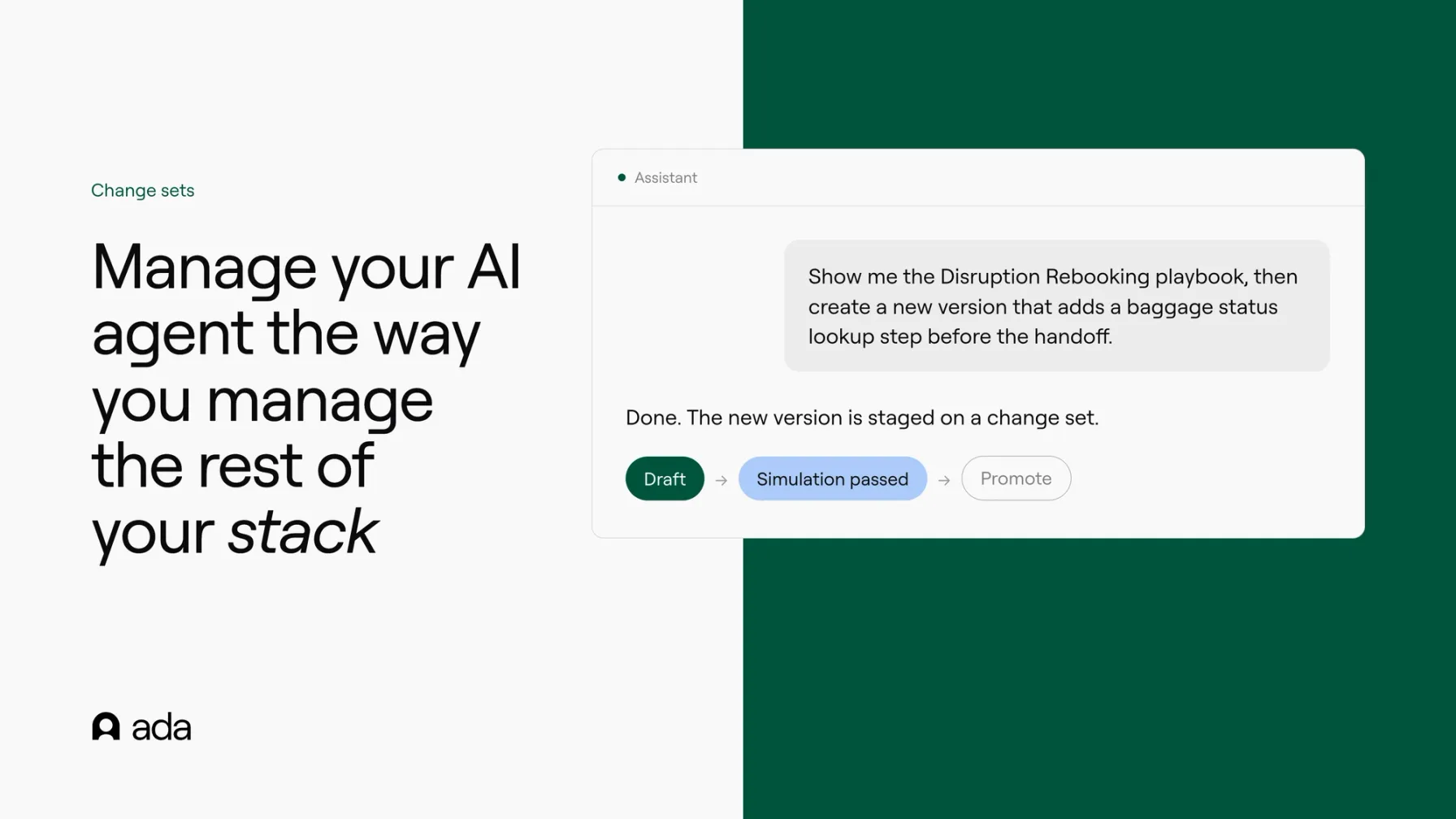
Behavior, authored over MCP. Ada's MCP server lets an AI assistant read and author the entities that shape how your agent behaves: Playbooks, articles, coaching, actions, and custom instructions. "Show me the Password Reset playbook, then create a new version that adds an order lookup step before the handoff" is one prompt in the tool your team already uses, not a ticket in someone's queue.
Change sets, so nothing ships untested. Every behavior edit authored over MCP lands on a change set: a staged bundle of related changes that goes live only when a person promotes it. Before promoting, you can run simulations pinned to the change set, so tests execute against the proposed configuration rather than the live one, and preview a diff of before versus after. Promotion is atomic, and if live performance doesn't go the way you expected, you can roll the whole set back. Draft, test, promote, revert: the loop your engineering team already trusts, applied to your AI agent.
Settings, edited in place. Glossary terms, test cases, topics, metrics, and scorecards can be edited over the same MCP server. These are settings rather than behavior, and edits to them apply immediately — treat them with the same care you'd give any production setting.
Persona, as an API. Persona configuration is readable and updatable through the Platform API: your agent's personality, message length, and company description, read and patched from your own systems. Identity fields like the agent's name and avatar stay in the dashboard.
Custom instructions, as an API. Custom instructions have full CRUD on Platform API v2: create, read, update, and delete, with cursor pagination. Two details show the design intent. New instructions default to disabled, so nothing you create through the API touches a customer until you deliberately turn it on. And each instruction can carry availability rules, so one agent can behave differently by market or audience without forking its configuration.
Changes stay staged, visible, and on the record
Programmatic access without controls is how teams lose track of their own agent. Three pieces close that gap.
Nothing ships itself. Behavior edits over MCP stage on a change set and reach customers only when a person promotes them, tested first if you choose to. New instructions created through the API default to disabled until someone deliberately enables them.
Every MCP connection is visible in the dashboard and revocable from it. Extending the agent to new tools never means losing sight of what has access.
And the audit log records tracked configuration changes: the actor, what changed, and the interface the change arrived through, including when it came from an AI assistant over MCP. When your agent's configuration shifts, the record shows what moved and where the change came from.
Your security team will have sharper questions than a blog post should answer, like how connections authenticate and what a connection can reach. Those belong in a real review; bring them to us. {security documentation link}
What this looks like in practice
A carrier's CX operations team keeps a disruption Playbook that changes with the season. Instead of queueing dashboard edits, the owner drafts the change from their own AI assistant, it lands on a change set, a simulation runs against the proposed configuration, and a colleague promotes it — with the audit log showing exactly what changed and where the change came from. If the weekend's live traffic says the change was wrong, they roll it back.
A platform team wires agent configuration into the workflows it already runs. Custom instructions for a new market get created through the API, disabled by default, reviewed, and enabled on launch day. No copy-paste between tools, and a record of every change.
The honest boundary
Not everything is exposed yet, and it's worth being plain about the line. Today the entity APIs cover Persona and custom instructions. Over MCP, behavior authoring covers Playbooks, articles, coaching, actions, and custom instructions, and settings editing covers Glossary, test cases, topics, metrics, and scorecards. Change sets live in MCP today, not in the dashboard: you create, test, promote, and revert them from the tools you connect, and review results the same way. If your team needs something that isn't listed here, ask us where it sits rather than assuming.
The direction, though, is the point. An AI agent in production is a system your team operates, and operating it should feel like operating the rest of your stack: with your tools, your review habits, and a record you can trust.
See what your team could operate today.